Word Core 2013 Crossword
This printable crossword puzzle on the topic of Computer Science & Technology has 16 clues. Answers range from 7 to 18 letters long. This crossword is also available to download as a Microsoft Word document or a PDF.
Description
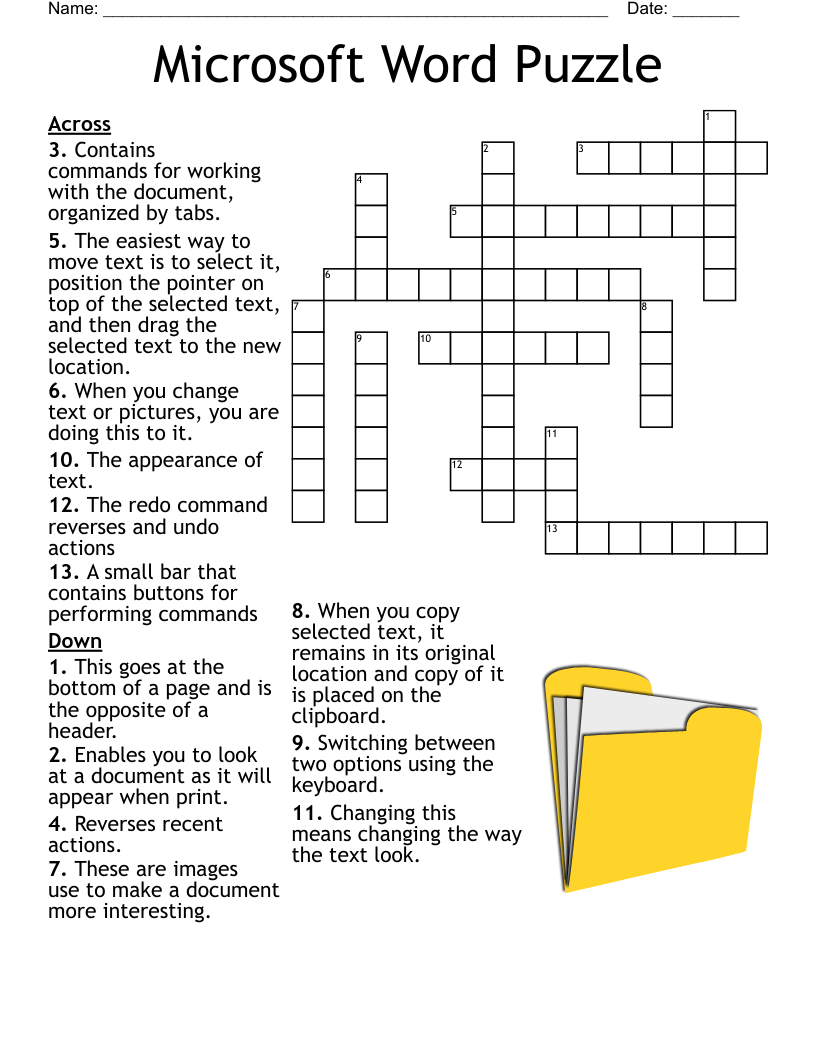
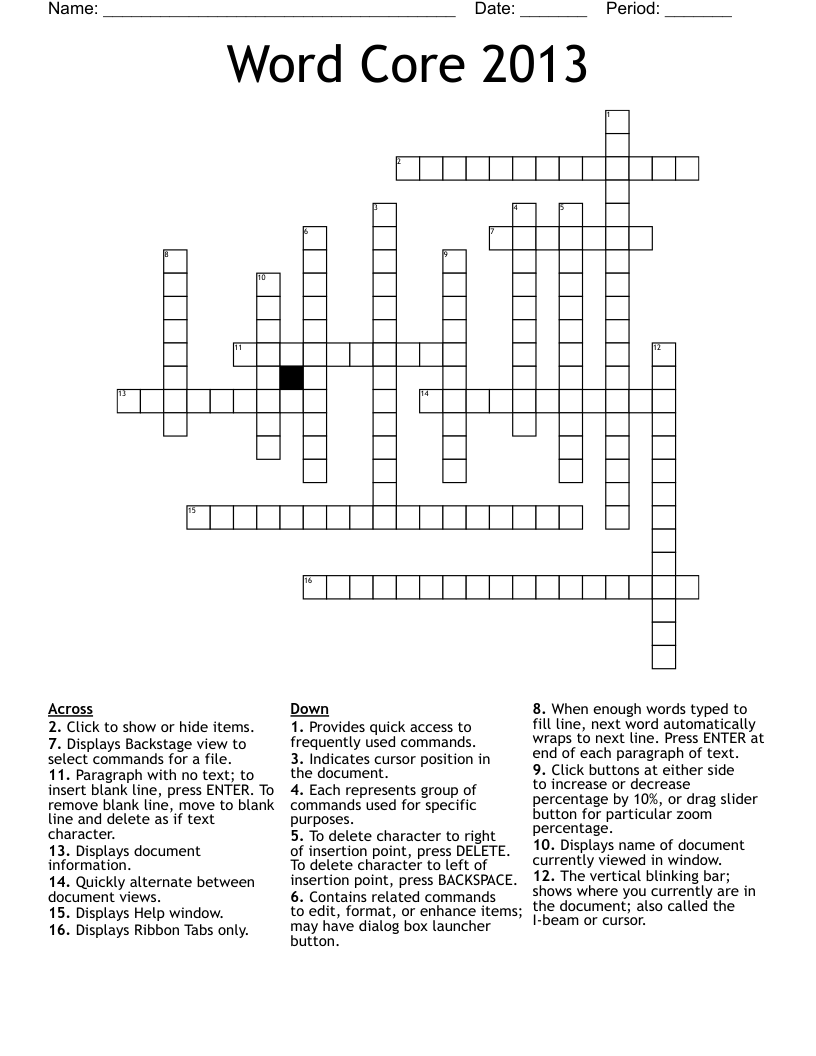
The vertical blinking bar; shows where you currently are in the document; also called the I-beam or cursor.
To delete character to right of insertion point, press DELETE. To delete character to left of insertion point, press BACKSPACE.
When enough words typed to fill line, next word automatically wraps to next line. Press ENTER at end of each paragraph of text.
Paragraph with no text; to insert blank line, press ENTER. To remove blank line, move to blank line and delete as if text character.
Displays Backstage view to select commands for a file.
Provides quick access to frequently used commands.
Displays name of document currently viewed in window.
Each represents group of commands used for specific purposes.
Displays Help window.
Click to show or hide items.
Contains related commands to edit, format, or enhance items; may have dialog box launcher button.
Displays Ribbon Tabs only.
Indicates cursor position in the document.
Displays document information.
Quickly alternate between document views.
Click buttons at either side to increase or decrease percentage by 10%, or drag slider button for particular zoom percentage.