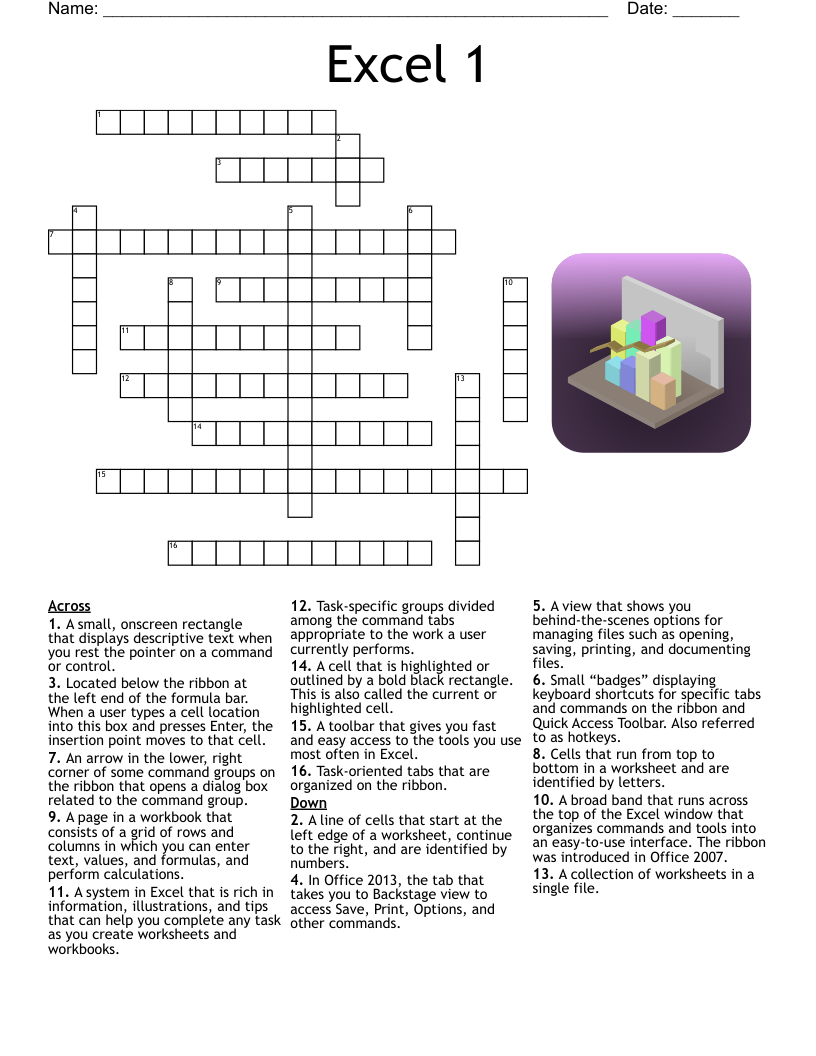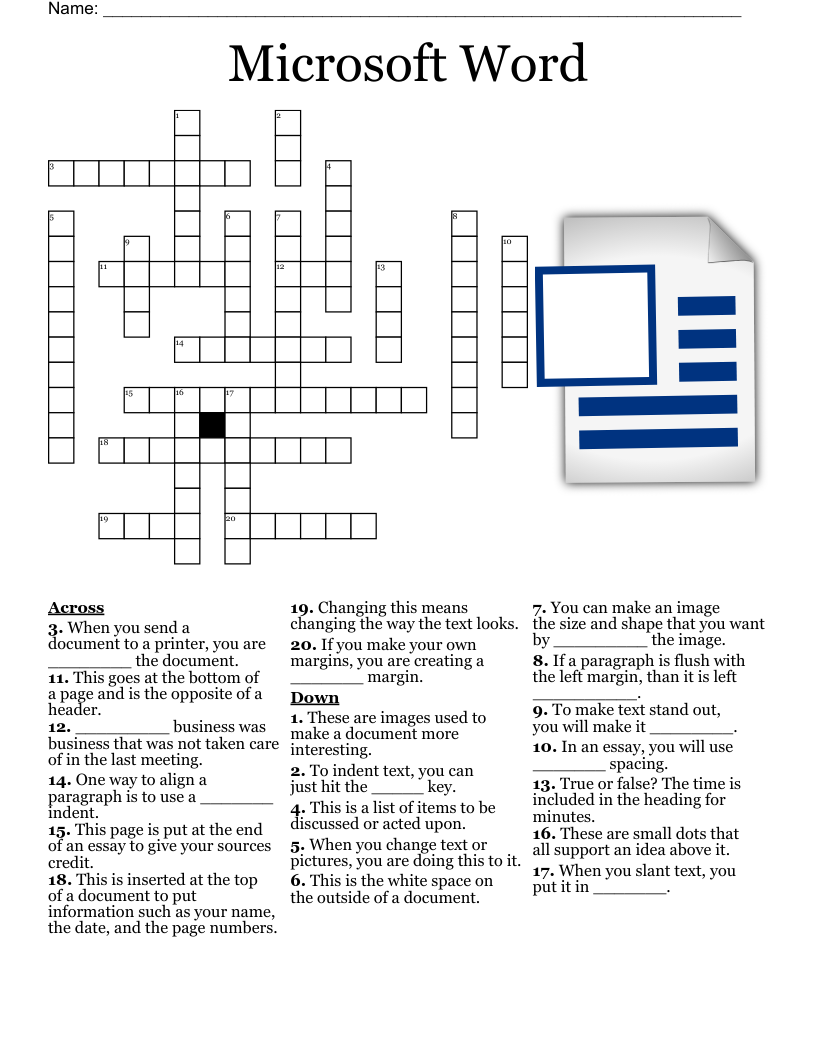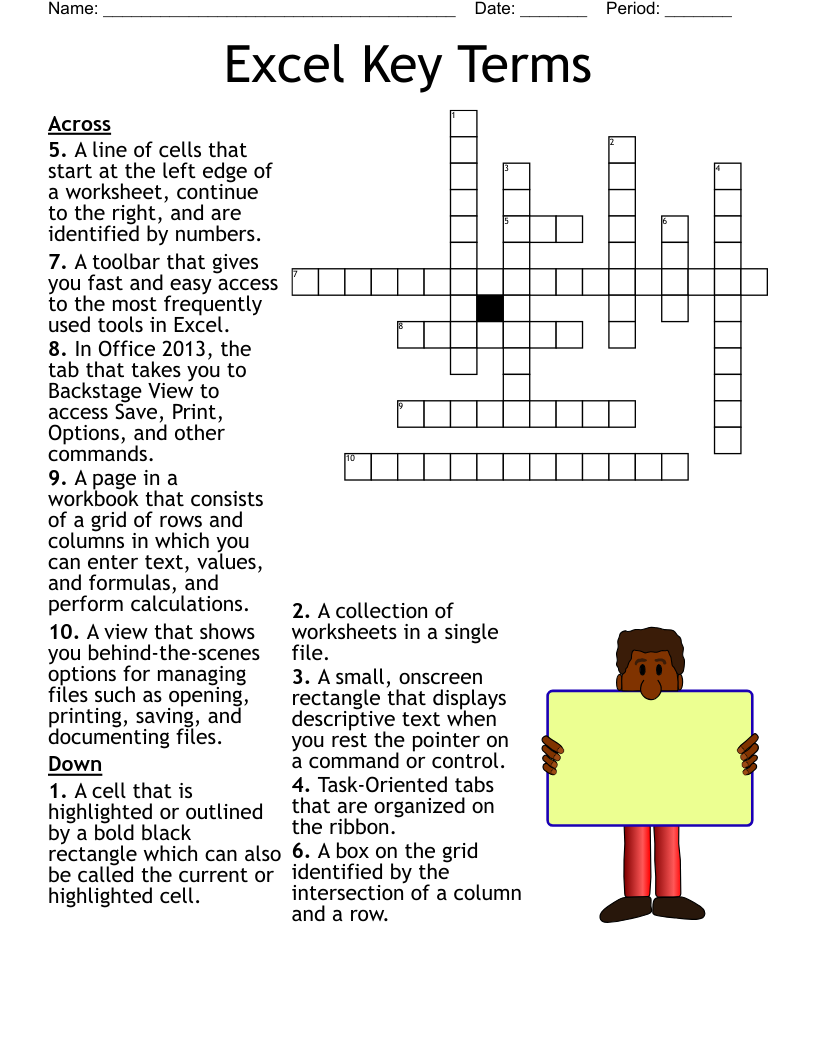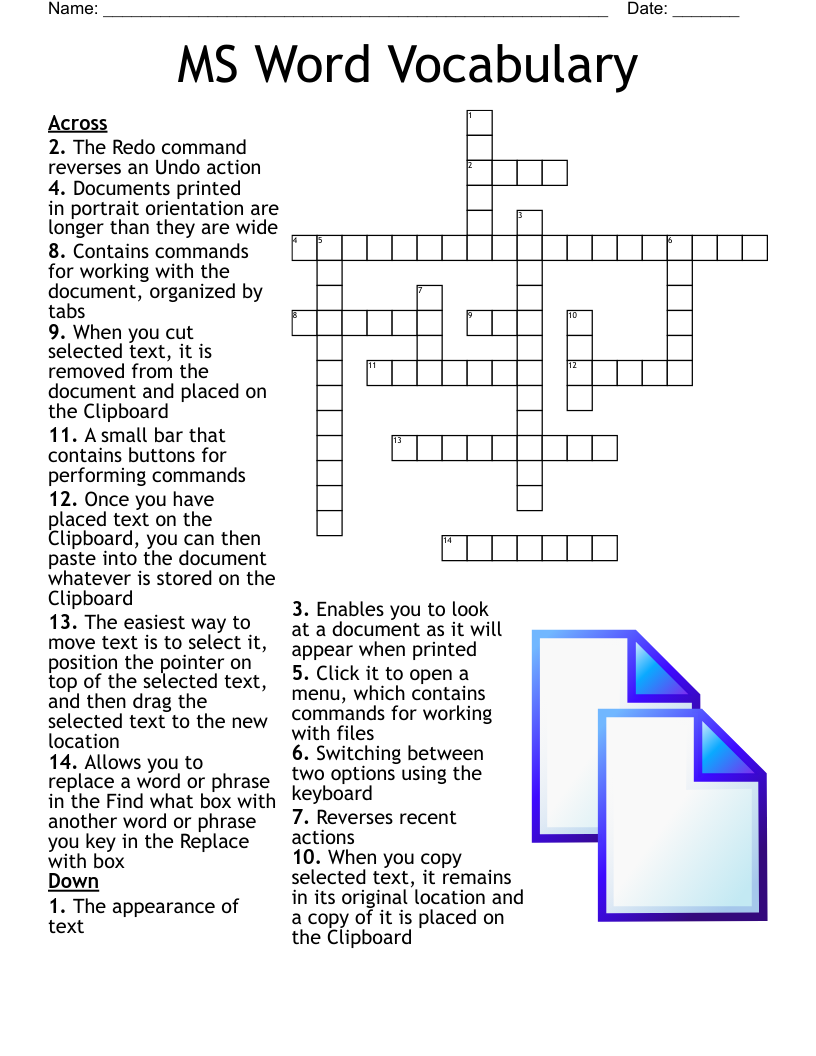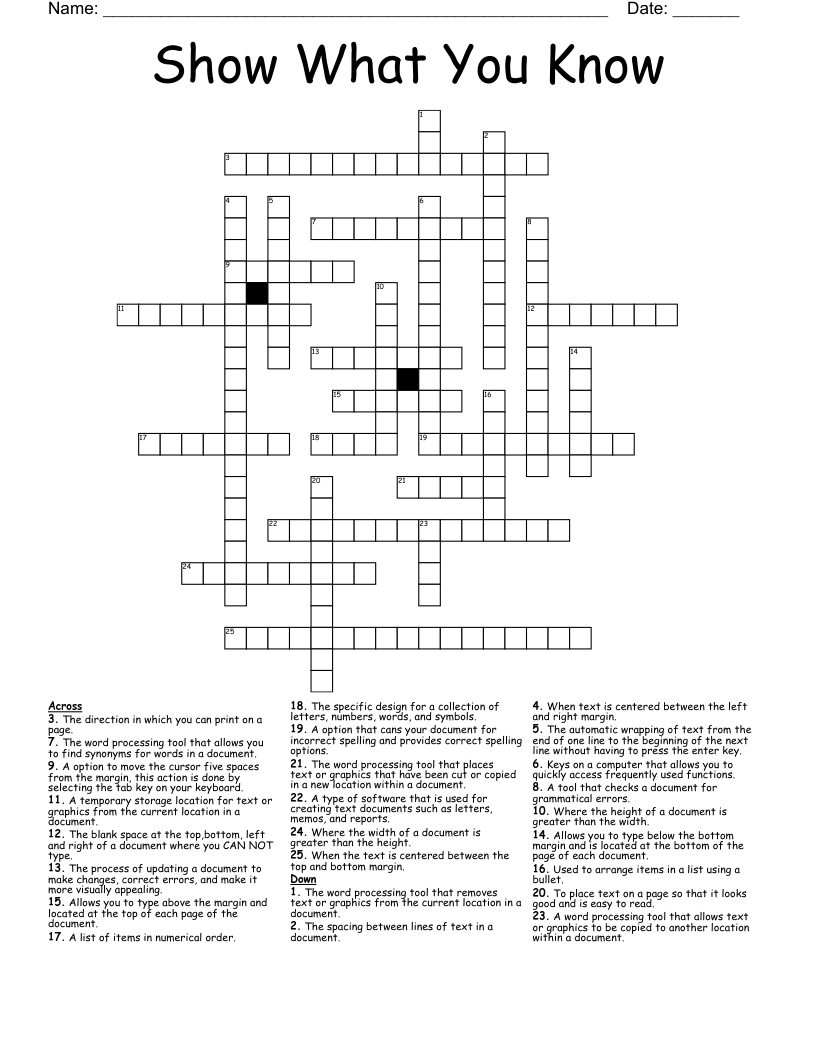
Show What You Know Crossword
This printable crossword puzzle on the topic of Computer Science & Technology has 25 clues. Answers range from 3 to 19 letters long. This crossword is also available to download as a Microsoft Word document or a PDF.
Description
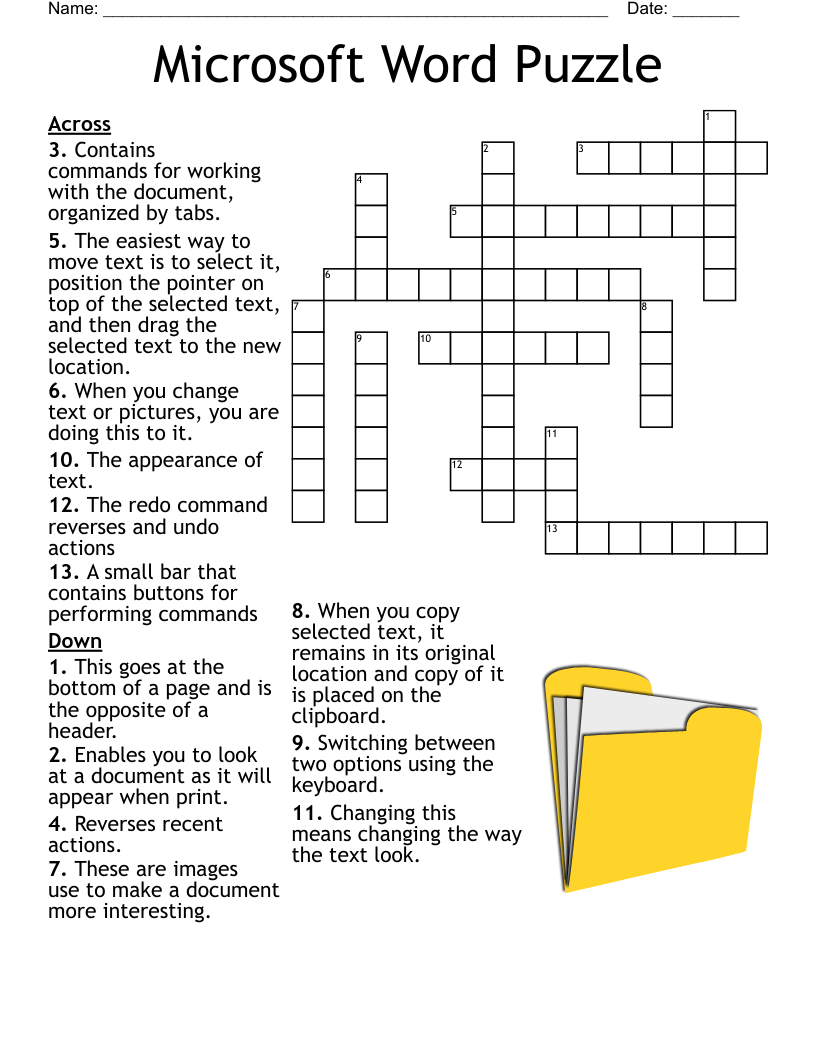
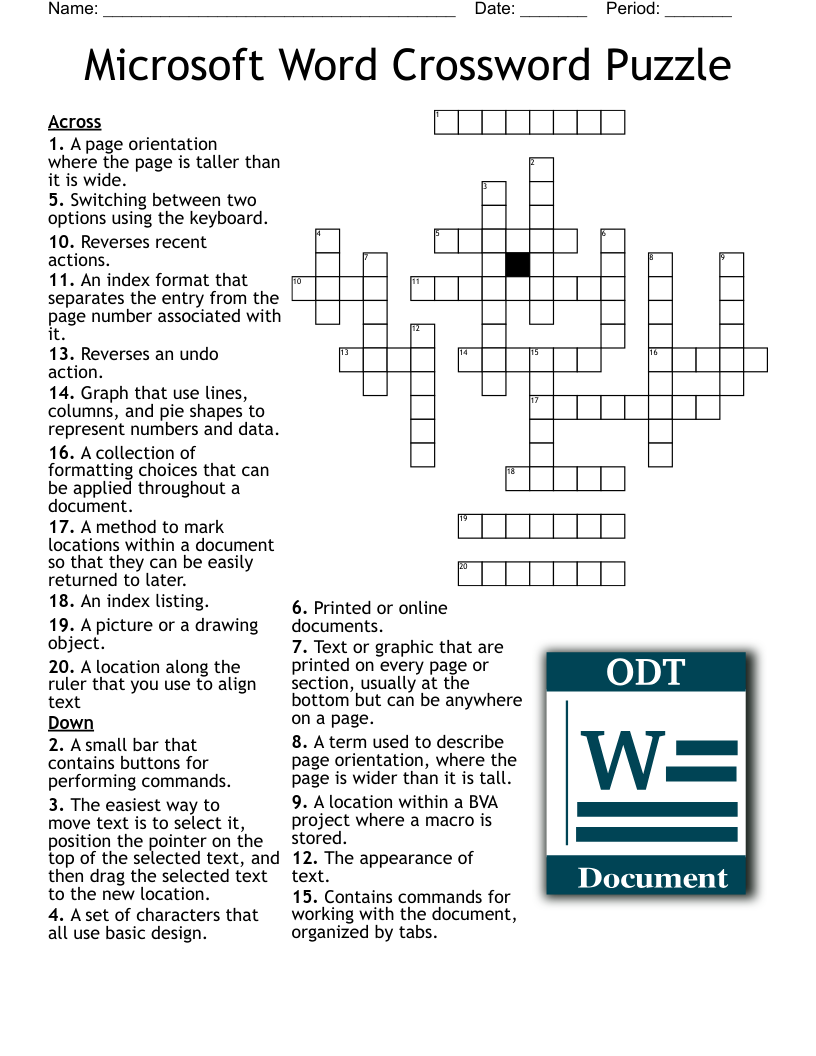
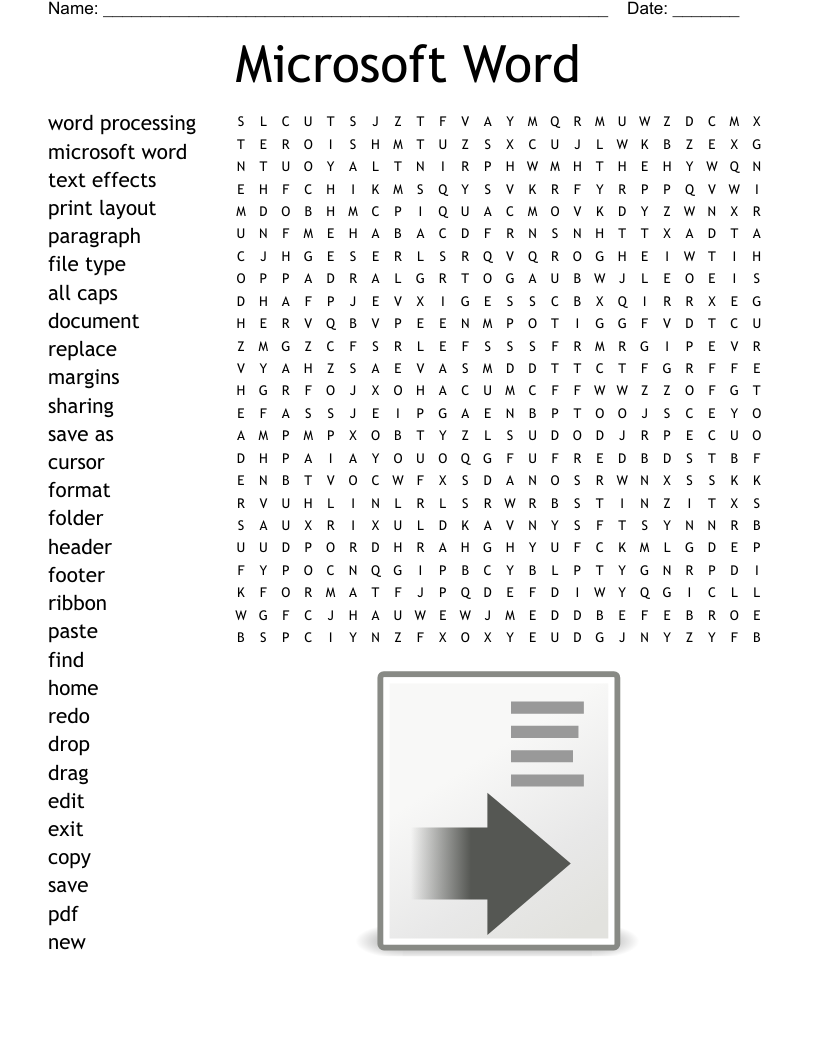
A type of software that is used for creating text documents such as letters, memos, and reports.
The direction in which you can print on a page.
Where the height of a document is greater than the width.
Where the width of a document is greater than the height.
To place text on a page so that it looks good and is easy to read.
The blank space at the top,bottom, left and right of a document where you CAN NOT type.
Allows you to type above the margin and located at the top of each page of the document.
Allows you to type below the bottom margin and is located at the bottom of the page of each document.
The spacing between lines of text in a document.
The automatic wrapping of text from the end of one line to the beginning of the next line without having to press the enter key.
When text is centered between the left and right margin.
When the text is centered between the top and bottom margin.
The specific design for a collection of letters, numbers, words, and symbols.
Used to arrange items in a list using a bullet.
A list of items in numerical order.
The process of updating a document to make changes, correct errors, and make it more visually appealing.
The word processing tool that removes text or graphics from the current location in a document.
A word processing tool that allows text or graphics to be copied to another location within a document.
A temporary storage location for text or graphics from the current location in a document.
The word processing tool that places text or graphics that have been cut or copied in a new location within a document.
A option that cans your document for incorrect spelling and provides correct spelling options.
A tool that checks a document for grammatical errors.
The word processing tool that allows you to find synonyms for words in a document.
Keys on a computer that allows you to quickly access frequently used functions.
A option to move the cursor five spaces from the margin, this action is done by selecting the tab key on your keyboard.