Description

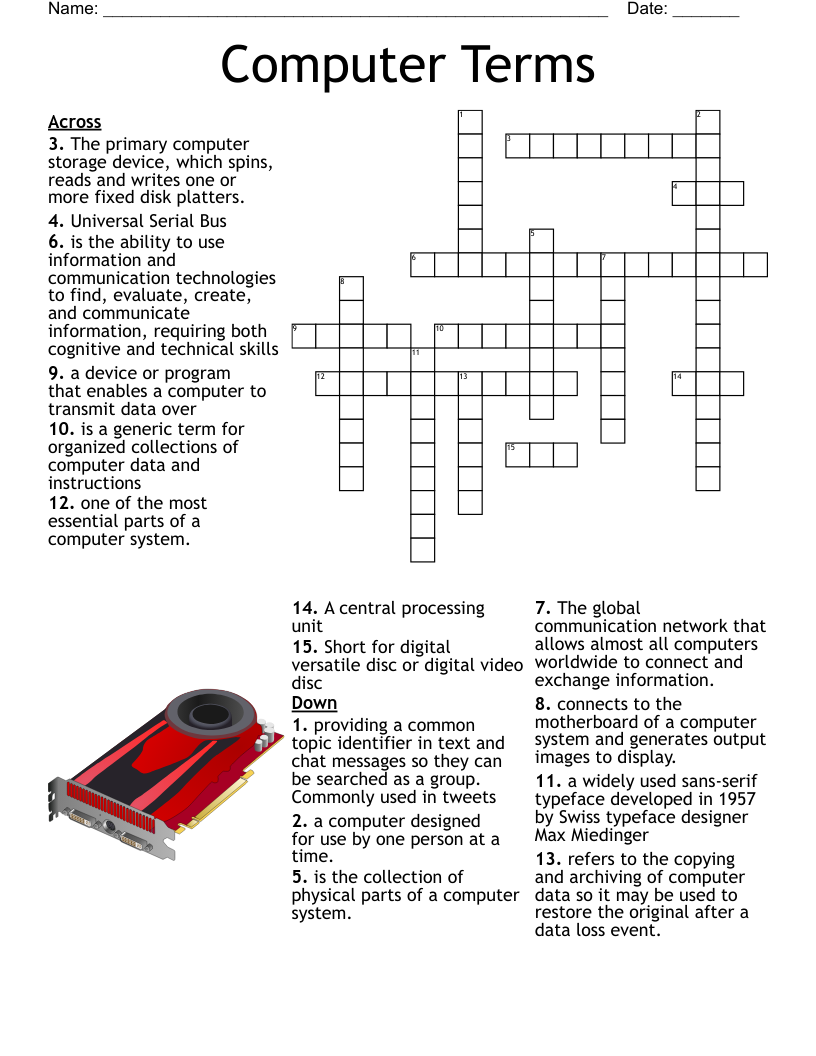
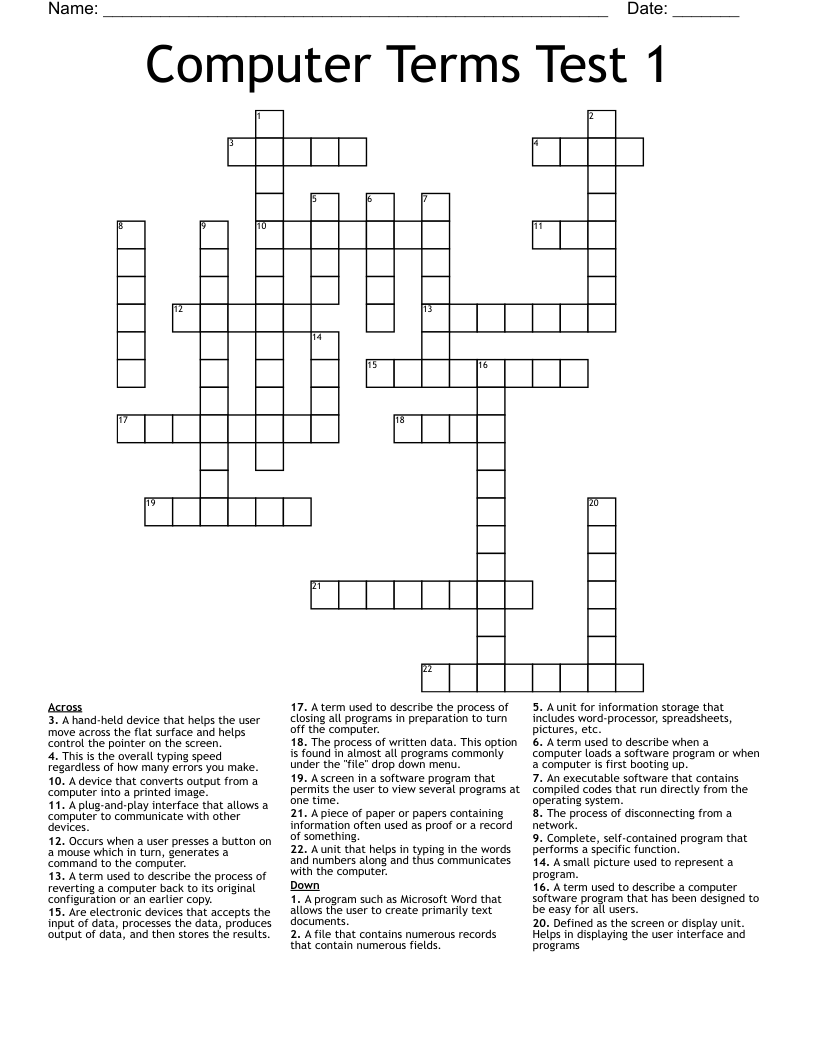
Defined as the screen or display unit. Helps in displaying the user interface and programs
A device that converts output from a computer into a printed image.
The process of disconnecting from a network.
The process of written data. This option is found in almost all programs commonly under the "file" drop down menu.
Occurs when a user presses a button on a mouse which in turn, generates a command to the computer.
A term used to describe a computer software program that has been designed to be easy for all users.
A term used to describe the process of reverting a computer back to its original configuration or an earlier copy.
A piece of paper or papers containing information often used as proof or a record of something.
Complete, self-contained program that performs a specific function.
A hand-held device that helps the user move across the flat surface and helps control the pointer on the screen.
A unit for information storage that includes word-processor, spreadsheets, pictures, etc.
Are electronic devices that accepts the input of data, processes the data, produces output of data, and then stores the results.
A screen in a software program that permits the user to view several programs at one time.
An executable software that contains compiled codes that run directly from the operating system.
This is the overall typing speed regardless of how many errors you make.
A plug-and-play interface that allows a computer to communicate with other devices.
A small picture used to represent a program.
A term used to describe the process of closing all programs in preparation to turn off the computer.
A unit that helps in typing in the words and numbers along and thus communicates with the computer.
A program such as Microsoft Word that allows the user to create primarily text documents.
A file that contains numerous records that contain numerous fields.
A term used to describe when a computer loads a software program or when a computer is first booting up.
Customize
Add, edit, delete clues, and customize this puzzle.

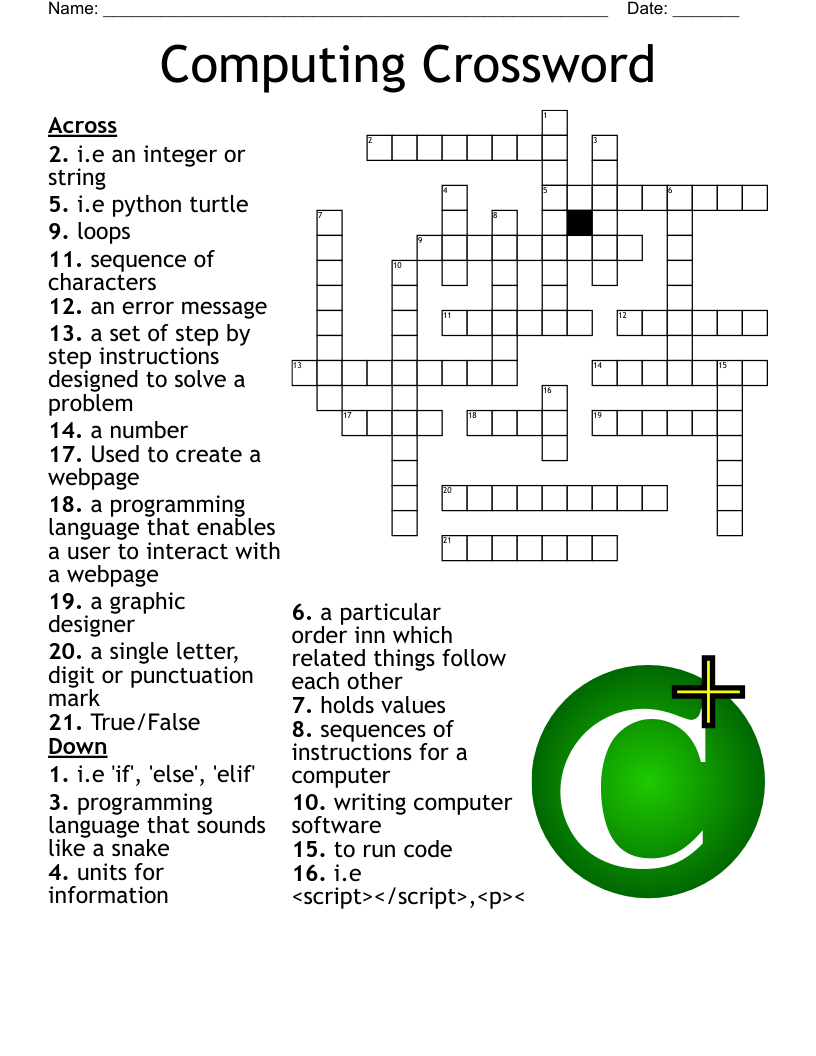
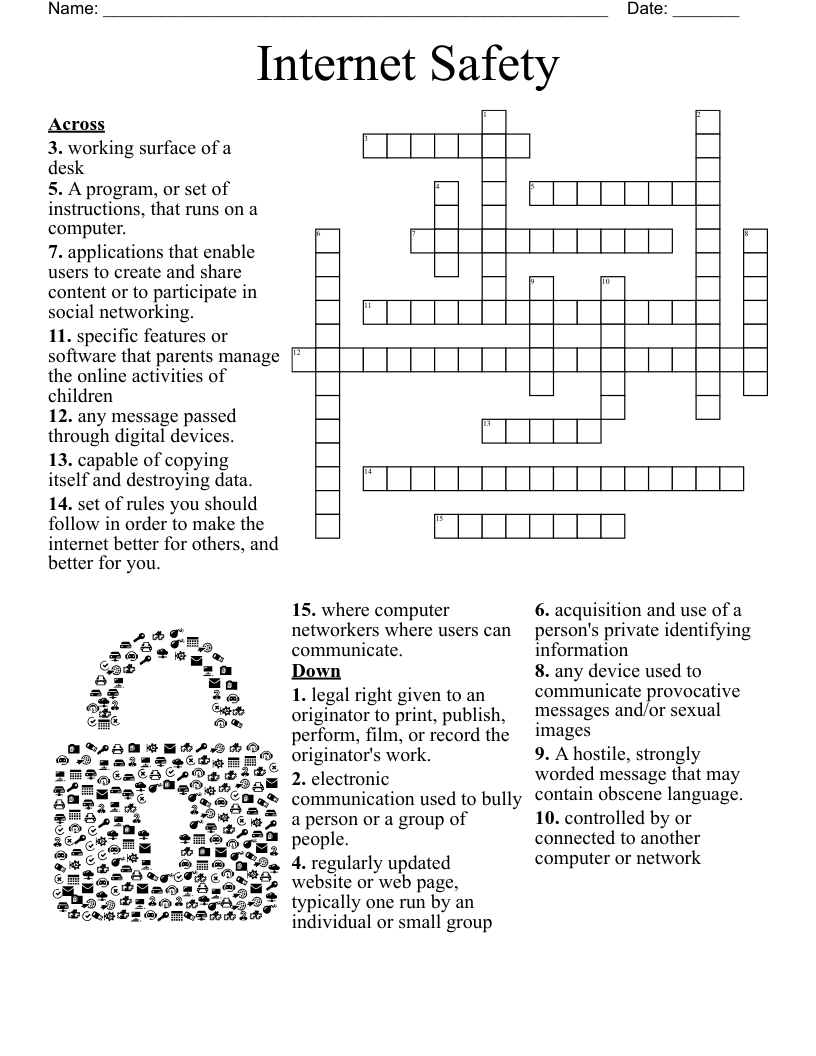
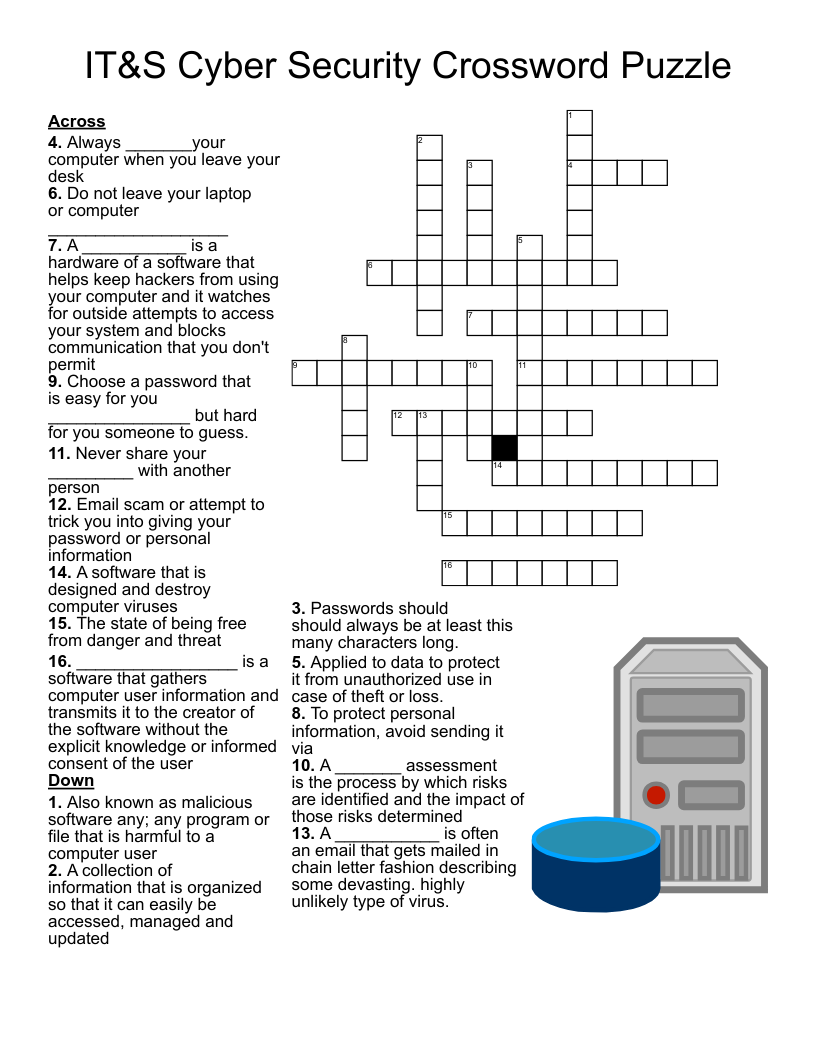
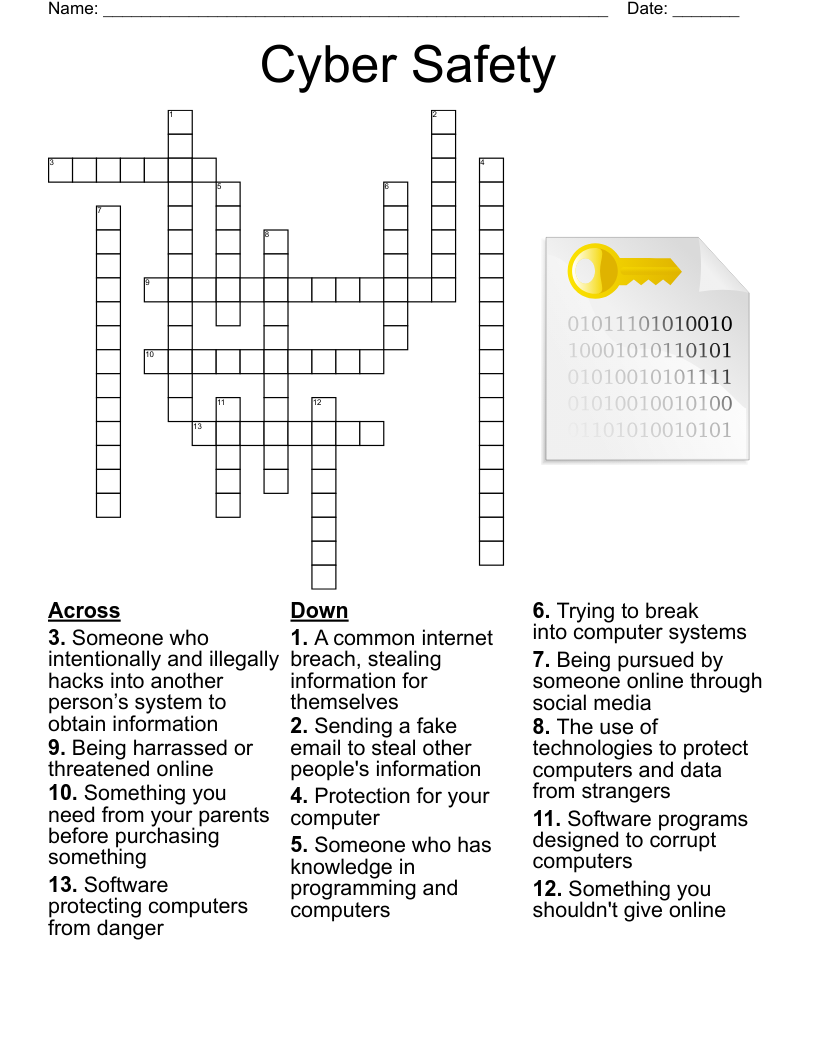
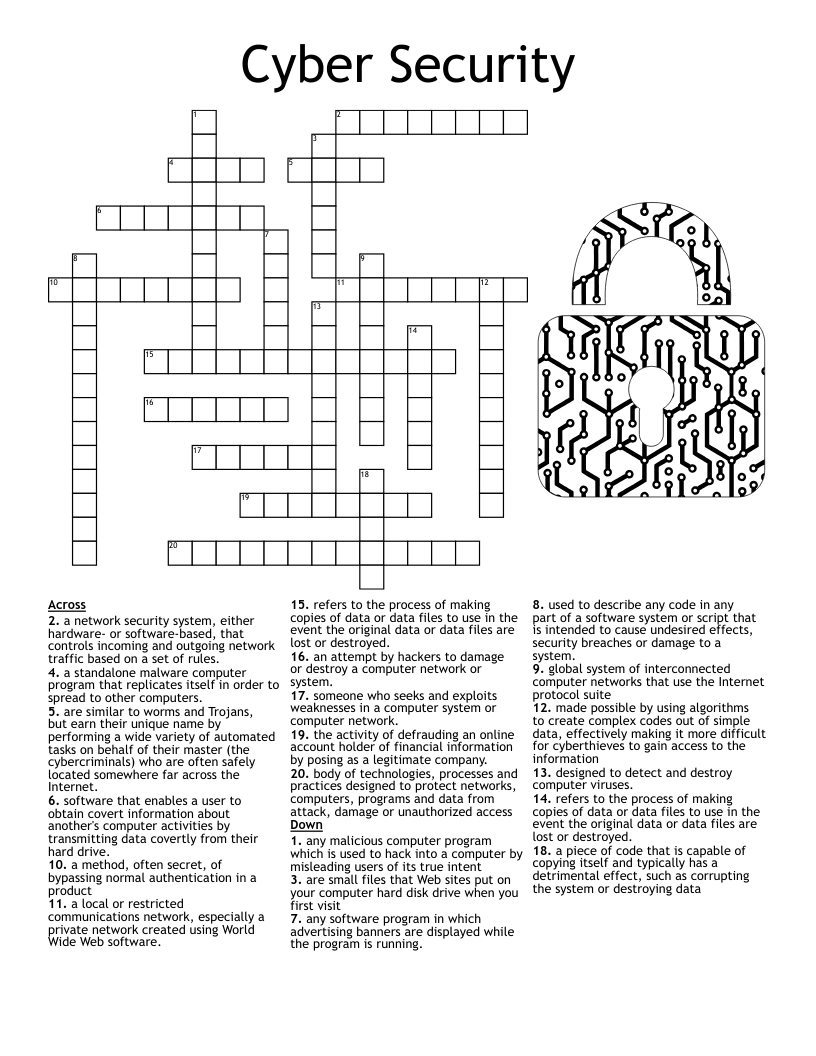
Cyber Security

Crossword

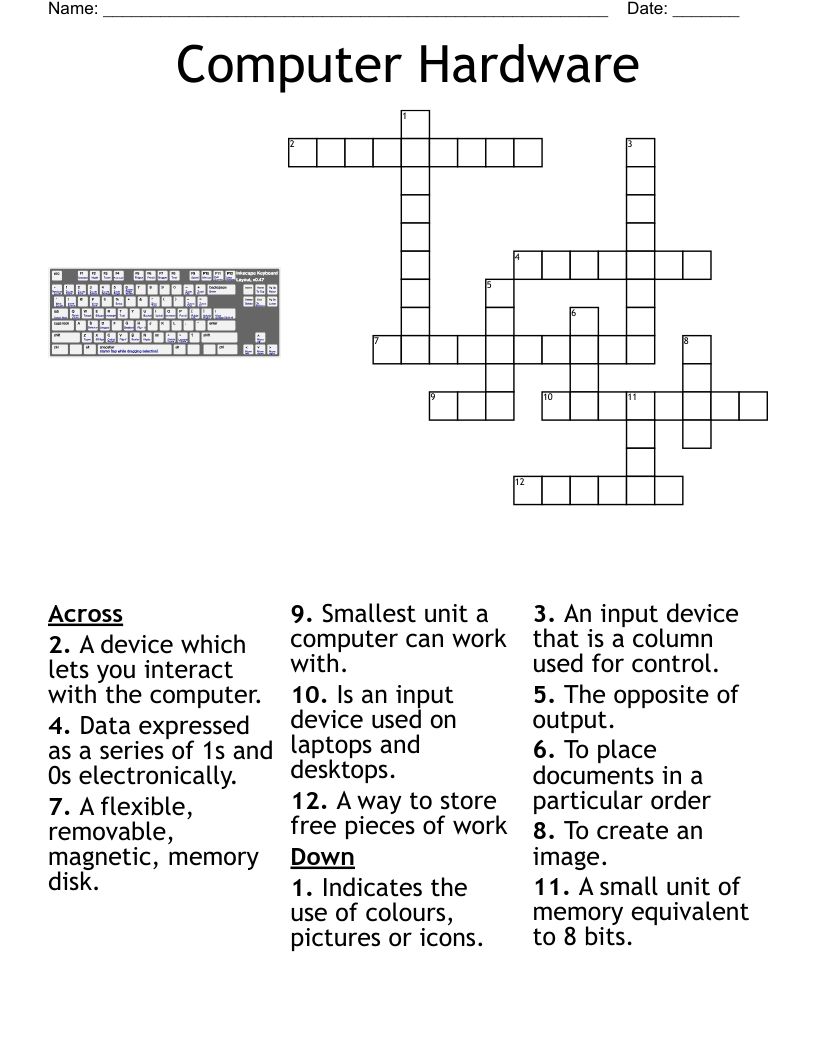
Computer Terms

Crossword

Computer Basics !

Crossword

Info Security Fest

Crossword

Frequently Asked Questions

What is a crossword?

Crossword puzzles have been published in newspapers and other publications since 1873. They consist of a grid of squares where the player aims to write words both horizontally and vertically.

Next to the crossword will be a series of questions or clues, which relate to the various rows or lines of boxes in the crossword. The player reads the question or clue, and tries to find a word that answers the question in the same amount of letters as there are boxes in the related crossword row or line.

Some of the words will share letters, so will need to match up with each other. The words can vary in length and complexity, as can the clues.

Who is a crossword suitable for?

The fantastic thing about crosswords is, they are completely flexible for whatever age or reading level you need. You can use many words to create a complex crossword for adults, or just a couple of words for younger children.

Crosswords can use any word you like, big or small, so there are literally countless combinations that you can create for templates. It is easy to customise the template to the age or learning level of your students.

How do I create a crossword template?

For the easiest crossword templates, WordMint is the way to go!

Pre-made templates

For a quick and easy pre-made template, simply search through WordMint’s existing 500,000+ templates. With so many to choose from, you’re bound to find the right one for you!

Create your own from scratch

  • Log in to your account (it’s free to join!)
  • Head to ‘My Puzzles’
  • Click ‘Create New Puzzle’ and select ‘Crossword’
  • Select your layout, enter your title and your chosen clues and answers
  • That’s it! The template builder will create your crossword template for you and you can save it to your account, export as a word document or pdf and print!

How do I choose the clues for my crossword?

Once you’ve picked a theme, choose clues that match your students current difficulty level. For younger children, this may be as simple as a question of “What color is the sky?” with an answer of “blue”.

Are crosswords good for students?

Crosswords are a great exercise for students' problem solving and cognitive abilities. Not only do they need to solve a clue and think of the correct answer, but they also have to consider all of the other words in the crossword to make sure the words fit together.

Crosswords are great for building and using vocabulary.

If this is your first time using a crossword with your students, you could create a crossword FAQ template for them to give them the basic instructions.

Can I print my crossword template?

All of our templates can be exported into Microsoft Word to easily print, or you can save your work as a PDF to print for the entire class. Your puzzles get saved into your account for easy access and printing in the future, so you don’t need to worry about saving them at work or at home!

Can I create crosswords in other languages?

Crosswords are a fantastic resource for students learning a foreign language as they test their reading, comprehension and writing all at the same time. When learning a new language, this type of test using multiple different skills is great to solidify students' learning.

We have full support for crossword templates in languages such as Spanish, French and Japanese with diacritics including over 100,000 images, so you can create an entire crossword in your target language including all of the titles, and clues.